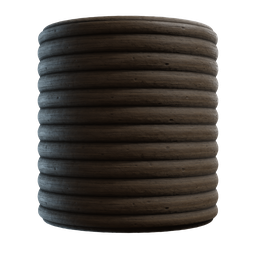
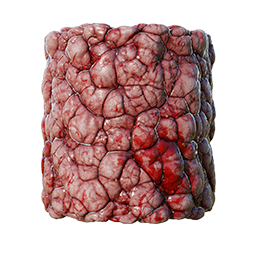
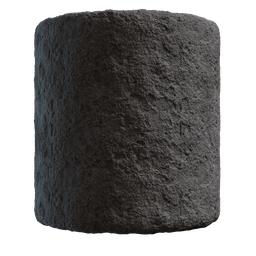
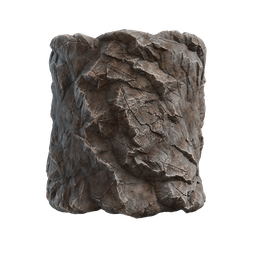
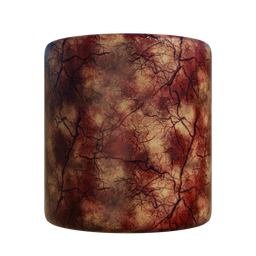
The high-performance node system for Blender artists.
Build any material that adapt, scale, and render instantly.

While its primary focus is giving you the power to craft complex, seamless textures and PBR maps, its architecture is built entirely around reusability. It operates as a dynamic toolbox—allowing you to compile any material setup or image-processing filter into a lightweight, custom node. With every new asset you create and save to your library, your texturing pipeline becomes faster and smarter.
The main workspace where the heavy lifting happens. Standard graphs deal with pixels, channels, and image processing. Use this graph to mix noises, mask dirt, blur shapes, and composite your final PBR material outputs (Base Color, Normal, Roughness, etc.).

Evaluate math on a per-pixel level to build custom texture generators from scratch. Design mathematically accurate shapes, pixel operations, and complex iterative feedback loops—all without writing a single line of code (or by injecting custom GLSL if you prefer!).
If you are familiar with Substance Designer FX-Maps, you will feel right at home. FX-Map graphs are optimized for scattering and iterating shapes to build complex, layered patterns.

Function graphs do not process pixels; they process pure mathematics and logic. They run under the hood to build dynamic controllers, expose custom UI parameters, and drive your procedural networks.
Graph Instancing: Once you have a graph with exposed parameters and output nodes, you can pack that entire graph into a single, reusable node inside another graph.
Exposing Parameters: By default, the parameters inside your graph are hidden and cannot be accessed externally. To make them adjustable from outside the graph, you simply Expose them.
Real-Time Preview System: Don't wait for renders. WonderTexture's preview architecture is built for speed, giving you instant, real-time feedback on every node. Live Node Previews let you see exactly what your data looks like right inside the graph, while Instant 2D Isolation allows you to push any node to the Image Editor with a simple Ctrl+Shift+Click.
Viewport Gizmos: Interact with your textures directly in the 2D canvas using visual Gizmos. Transform patterns, adjust levels, and move points fluidly without ever touching a single slider.
WonderTexture writes your final maps directly to disk or Blender’s image data blocks with a single click.
Save your Base Color, Normals, and Masks directly to any folder on your drive instantly.
Tweak a parameter and watch your 3D model update instantly in the viewport as .exr files re-bake.
Optimized to only recalculate affected nodes, keeping your workflow incredibly smooth and responsive.
WonderTexture includes experimental, hardware-accelerated AI nodes that run seamlessly within the backend engine. (Models can be downloaded effortlessly from the node UI on first use).